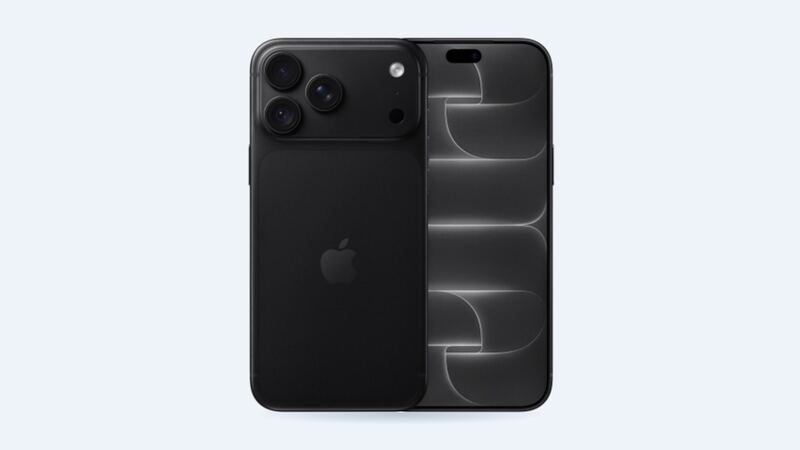
The iPhone 15 Plus has one of the best batteries Apple has put in a non-Pro phone. Apple rates it for up to 26 hours of video playback. But every lithium battery wears out eventually, and a two- or three-year-old 15 Plus might be starting to feel it. The good news: you can check exactly how worn it is in about ten seconds.
Check your battery first (it's free)
The iPhone 15 models show more battery detail than older iPhones. Go to Settings > Battery, then tap Battery Health. On the iPhone 15 lineup (with iOS 17.4 or later) you'll see:
- Maximum Capacity: how much charge the battery holds compared with new.
- Cycle Count: how many full charge cycles it's been through.
- Manufacture date and first use date.
Apple says iPhone 15 models are designed to hold 80% capacity at 1,000 complete cycles under ideal conditions. Older iPhones, up to the iPhone 14, are rated for 80% at 500 cycles. So a 15 Plus at 400 cycles and 92% is doing fine. Don't let anyone sell you a battery you don't need.
Signs it's actually time
- Maximum Capacity is below 80%.
- The phone shuts off on its own when it still shows charge, especially in the cold.
- It feels slow, and iOS has turned on performance management.
- Battery Health says Service.
- The battery is swollen (see the warning below).
What it costs
| Option | Price | Notes |
|---|---|---|
| Apple with AppleCare+ | $0 | When health is under 80% |
| Apple without AppleCare+ | $99 | Genuine battery, Apple's service guarantee |
| Independent shop | $69 to $109 | Battery quality varies a lot |
| DIY kit | Varies | Not recommended unless you've done it before |
At Apple's $99, the gap to a shop is small. A shop at $69 saves you $30. That's lunch money, not life-changing money, so quality and warranty matter more than price here.
Genuine vs. aftermarket battery
A non-Apple battery still works, but a few things change:
- It shows up as Unknown under Settings > General > About > Parts and Service History. Apple says that can affect trade-in value.
- You'll see a notification about the part the first time you unlock after the repair, and again five days later.
- Cheap batteries can have lower real capacity than advertised. Ask the shop what brand or grade they use.
A genuine Apple battery can be finished with Apple's Repair Assistant, which supports batteries on the iPhone 15 lineup. Your phone needs the latest iOS, Wi-Fi and more than 20% battery to run it.
Make your battery last longer
- Turn on the 80% limit. The iPhone 15 models have an option in the battery settings to stop charging at 80%. That's easy on the battery if you don't need 100% every day.
- Keep it cool. Heat is a battery's worst enemy. Don't charge it on a sunny dashboard or under your pillow.
- If it stops at 80% on its own, it may be warm. Apple's software pauses charging above 80% when the battery gets too warm and resumes once it cools.
What to ask the shop
- Is it a genuine, new or aftermarket battery? What capacity?
- What's the warranty?
- Will it show as Unknown in Settings?
- Is the price all-in?
Is it worth fixing?
Yes, if your health is under 80% or the phone dies early. The iPhone 15 Plus is on Apple's iOS 27 support list, and a $99 battery can make it feel like new for another couple of years. If your health is still in the high 80s or above, save your money and turn on the 80% limit instead.
Cracked the screen too? Our iPhone 15 Plus screen replacement guide covers your three screen options. All prices are on the iPhone 15 Plus page.
Apple prices checked October 14, 2026. Shop prices are typical US ranges.