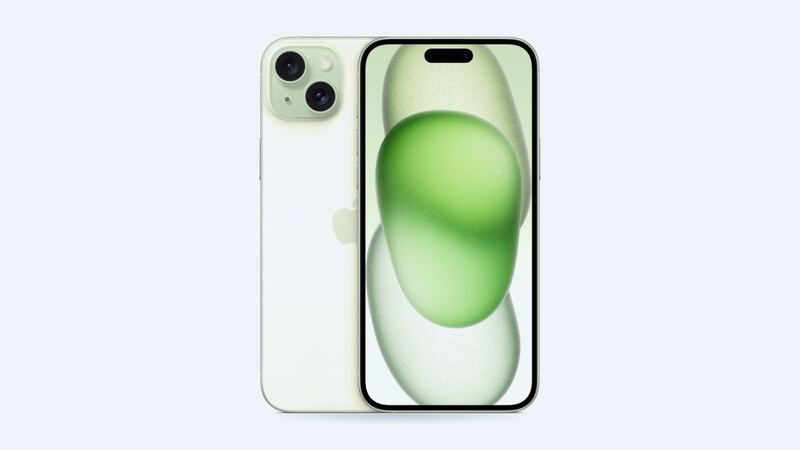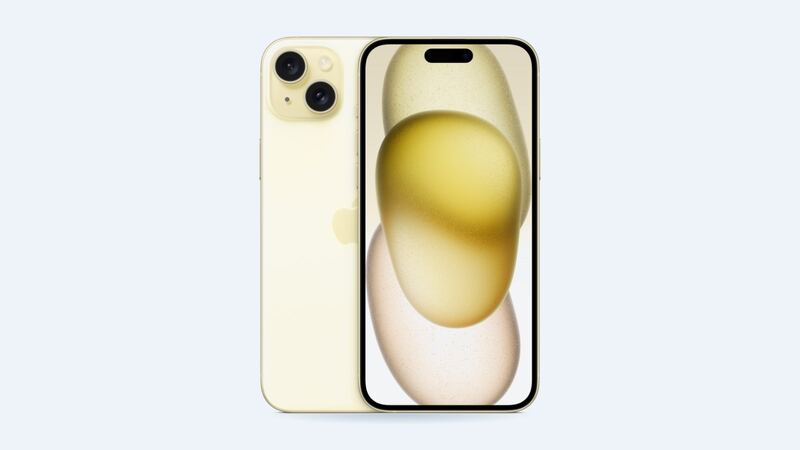
The iPhone 15 Plus has a big 6.7-inch OLED screen, which is great for watching stuff and also a bigger target for the floor. Apple charges the same $329 for this screen as it does for the smaller 15 Pro. Here's how to decide where your money goes.
What Apple charges for an iPhone 15 Plus
| Repair | Apple price | With AppleCare+ |
|---|---|---|
| Cracked screen | $329 | $29 |
| Screen and back glass | $419 | $29 each (screen and back) |
| Back glass only | $159 | $29 |
| Rear camera | $169 | Not listed separately |
| Battery | $99 | $0 under 80% health |
| Other damage | $659 | $99 |
These are Apple's US out-of-warranty prices, before tax. Apple checks the phone before quoting, so the price can change if there's more going on, like a bent frame or liquid inside.
Your three screen options
| Screen | Typical price | What you get |
|---|---|---|
| Aftermarket LCD | $80 to $140 | Cheapest. Thicker black border, grayish blacks, and it drains the battery faster |
| Aftermarket OLED | $150 to $250 | Looks close to the original with true blacks. Colors and brightness can be slightly different |
| Genuine Apple | $329 at Apple | The exact screen the phone shipped with, plus Apple's repair warranty |
The 15 Plus came with OLED. An LCD replacement works, but it's a different kind of screen. On a 6.7-inch phone the difference is easy to spot, especially in dark mode where blacks look more like charcoal.
How to tell what's damaged
The glass and the display are one part on this phone, so any crack means replacing the whole screen. But the symptoms tell you how urgent it is:
- Picture fine, touch fine: you can wait a little, but cracks spread and let in dust.
- Lines, blotches or a green tint: the OLED panel is damaged. It only gets worse.
- Touch is dead in spots or tapping things on its own: fix it soon, before it starts calling people.
- The screen is lifting: stop and read the warning below.
Free things to try first
If the phone got dropped but the screen just acts strange:
- Force restart: press and release volume up, press and release volume down, then hold the side button until you see the Apple logo.
- Take the screen protector off. A cracked protector alone can cause touch problems.
- Update iOS in Settings > General > Software Update.
Which option makes sense?
- AppleCare+: $29 at Apple. Done, nothing to think about.
- Keeping the phone 2+ years: a well-reviewed shop OLED in the $150 to $200 range saves you over $100 and still looks right.
- Trading it in soon: go genuine. A non-Apple screen shows as an Unknown part in Settings > General > About, and Apple says that can affect trade-in value.
- Kid's phone or backup phone: an LCD is fine. It works, and you won't cry when it breaks again.
One thing to watch: if a shop quotes $240 for an aftermarket OLED, you're only $89 away from a genuine Apple screen. At that point, Apple is the better deal.
After a non-Apple screen repair
- You'll get a notice about an unknown part the first time you unlock, and again five days later. It doesn't block anything.
- True Tone only works if the shop transfers it from the old screen. Ask.
- A genuine Apple screen can be finished with Apple's Repair Assistant, which the iPhone 15 lineup supports for the display.
What to ask the shop
- What type of screen is it? Put it on the receipt.
- How long is the warranty, and does it cover touch issues?
- Will you transfer True Tone?
- Is that the total, including labor and tax?
- Can I test Face ID and touch everywhere before paying?
Is it worth fixing?
Yes. The iPhone 15 Plus is on Apple's iOS 27 support list, and it has a big battery that keeps it useful for years. Paying $150 to $329 for a screen beats buying a new phone by a mile.
If your battery is also fading, read our iPhone 15 Plus battery guide. Shops sometimes take a bit off when they do both at once. Every price is on the iPhone 15 Plus page.
Apple prices checked October 14, 2026. Shop prices are typical US ranges.