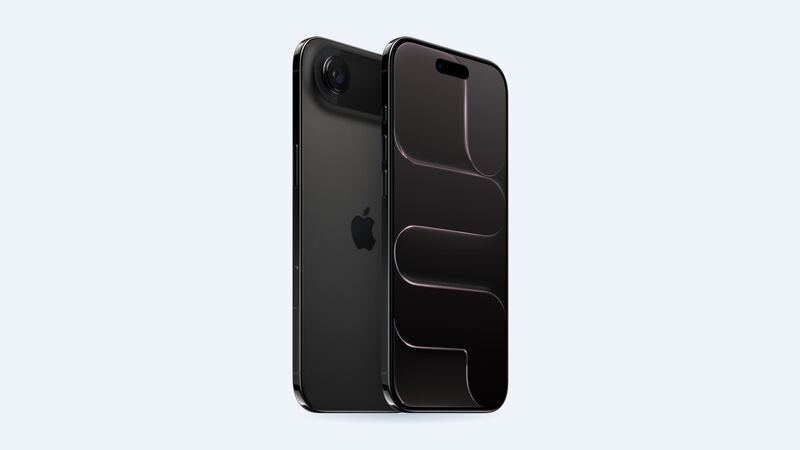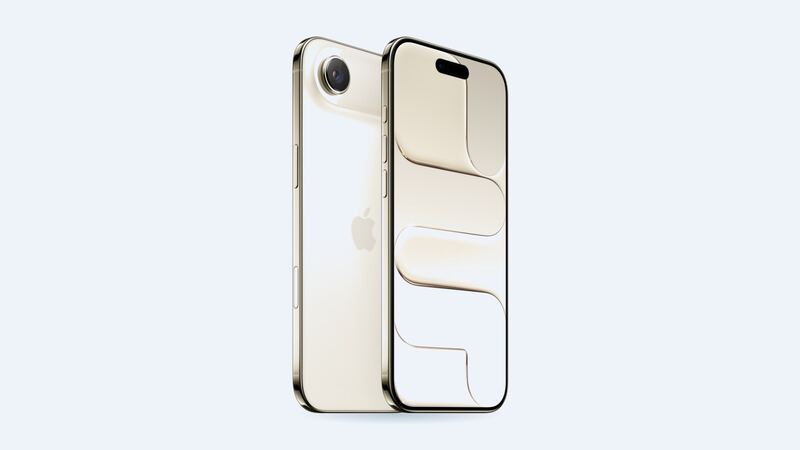
The iPhone Air is all about thin. The trade-off is battery size. iFixit measured the Air's cell at 12.26 Wh, and teardown reports list it around 3,149 mAh. Apple rates it for up to 27 hours of video playback, which is solid, but heavy users notice the difference compared with a Pro Max.
So before you pay for a new battery, figure out which problem you have: a worn-out battery, or a healthy battery that's simply small for how you use your phone.
What Apple charges
| Repair | Apple price (no coverage) | With AppleCare+ |
|---|---|---|
| Battery service | $119 | $0 (under 80% health) |
| Back glass damage | $159 | $29 |
| Screen damage | $329 | $29 |
| Other damage | $799 | $99 |
These are Apple's own US prices for the iPhone Air. Apple uses a genuine battery and backs the repair for 90 days or the rest of your warranty, whichever is longer.
Step 1: Check battery health
Go to Settings > Battery > Battery Health and look at Maximum Capacity.
- 85% or higher: Your battery isn't the problem. A new one would give you a few percent more at best.
- 80% to 85%: Getting tired. Fine to wait if it still gets you through the day.
- Below 80%: Time to replace it. With AppleCare+ it's free.
Apple says iPhone 15 and later batteries are designed to keep 80% of their original capacity after 1,000 full charge cycles under ideal conditions. The Air came out in September 2025, so most of them are still well above that line. If yours is already under 80%, that's unusual. Mention it to Apple, especially if the phone is still under warranty.
Step 2: Fix the stuff that isn't the battery
Say your Air shows 97% health but you're at 20% by dinner. Try these first:
- Settings > Battery shows which apps used the most power. One rogue app can eat a third of your day.
- After an iOS update, give it a couple of days. Background indexing makes battery life look worse than it is.
- Turn down screen brightness or use auto-brightness. The 6.5-inch 120Hz OLED is gorgeous and hungry.
- Low Power Mode in Control Center is your friend on long days.
- Heat matters. Apple notes that software may limit charging above 80% when the battery is warm. A hot car or a fat case on a wireless charger can do that.
The other option: Apple's MagSafe Battery
Apple sells an iPhone Air MagSafe Battery separately. Apple says it stretches video playback from up to 27 hours to up to 40 hours. Fun fact from iFixit: it uses the exact same cell as the one inside the phone.
If your battery health is still high and you just want more hours, the snap-on pack makes more sense than a replacement. A new internal battery only helps when the old one is worn out.
Why the Air is a decent phone to repair
iFixit's teardown found the Air's battery sits in a metal case and is held in with adhesive strips that let go when a small electric current is applied. No dangerous prying. iFixit also noted you can reach the battery through the back glass. It gave the Air a provisional 7 out of 10 for repairability.
That doesn't mean you should DIY it on a kitchen table. It means a competent shop or Apple can do it safely and quickly.
Apple vs. a shop
A shop battery usually costs a bit less than Apple's $119, but it will likely show as Unknown Part in Settings > General > About. Apple says that can lower trade-in value. On a phone this new, Apple is the better call for most people. Before paying anyone, ask:
- Is it a genuine Apple battery?
- What's the warranty on the part and the labor?
- Do you replace the seals? (The Air is rated IP68 to 6 meters for 30 minutes from the factory.)
Is it worth replacing?
If health is under 80%, yes, absolutely. $119 (or $0 with AppleCare+) is a small price on a phone this expensive. If health is still high, save your money and look at usage or the MagSafe Battery instead. And if the screen is cracked too, our iPhone Air screen guide covers that.
All iPhone Air prices live on the iPhone Air page. Apple prices checked October 14, 2026; shop prices are typical US ranges.