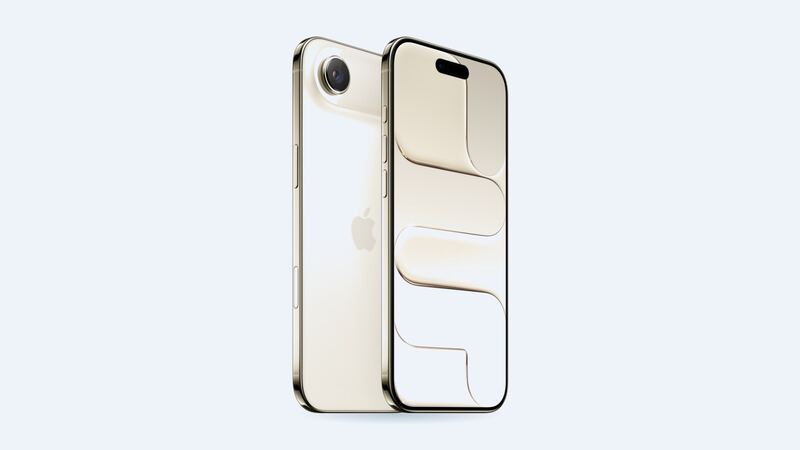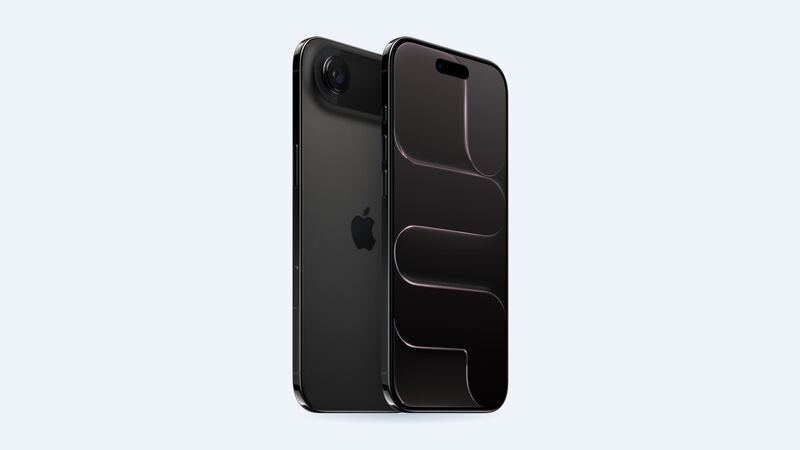
The iPhone Air is the thin one. At 5.64 mm thick and 165 grams it feels like a credit card with a screen, which is great until it slides off a table. The 6.5-inch OLED display has Ceramic Shield 2 on the front, so it's tougher than older iPhones, but glass is still glass.
What Apple charges
These are Apple's own US prices for the iPhone Air, from Apple's repair price tool.
| Repair | Apple price (no coverage) | With AppleCare+ |
|---|---|---|
| Screen damage | $329 | $29 |
| Screen and back glass damage | $419 | Not listed as a single fee |
| Back glass damage | $159 | $29 |
| Battery service | $119 | $0 (under 80% health) |
| Other damage | $799 | $99 |
Apple puts in a genuine display, and Apple guarantees its service and parts for 90 days or the rest of your warranty, whichever is longer. Apple Authorized Service Providers can set their own prices for out-of-pocket repairs, but AppleCare+ claims cost the same everywhere.
What about a cheaper shop screen?
With older iPhones, the classic move is a shop screen: an aftermarket LCD for cheap, an aftermarket OLED for mid-money, or genuine for the most. For the iPhone Air, we don't have reliable price ranges for aftermarket screens yet, so we're not going to make some up.
Here's the honest version. The Air is a brand-new design with its own 6.5-inch panel, so aftermarket screens tend to show up later and vary a lot in quality at first. If a shop quotes you a price way under Apple's, ask exactly what screen it is.
- Is it an LCD or an OLED? An LCD in a phone that came with OLED will look dimmer, show grayer blacks, and usually use more battery.
- Is it new, refurbished, or pulled from another phone?
- Will True Tone still work? Good shops transfer it from your old screen.
- What's the warranty? If they won't say, walk.
A non-Apple screen will show as Unknown Part under Settings > General > About > Parts and Service History. Apple says that can lower trade-in value. On a phone that's barely a year old, that's worth thinking about.
Is it actually the screen?
Before you pay anything, figure out what's broken. A cracked top glass with a perfect picture underneath is one problem. Black blobs, green lines, flicker or dead touch spots mean the OLED layer under the glass is damaged too. Both are fixed by the same screen replacement at Apple, but it changes how urgent things are.
- Just a crack, everything works: You can wait a bit. Put clear tape or a cheap screen protector over it so it doesn't spread or cut you.
- Lines, blobs or ghost touches: Get it fixed soon. Phantom touches can open apps and type stuff on their own.
- Screen totally black but the phone rings: The display may be dead. Back up through iCloud or a computer before anyone opens it.
Good news for repair shops
iFixit's teardown of the iPhone Air found the display uses a clipped-and-screwed-in design that allows quick reassembly without special adhesive. That's good news for anyone fixing it, and one reason the Air got a provisional 7 out of 10 repairability score from iFixit.
Apple or a shop?
Go to Apple if you have AppleCare+ ($29 is a no-brainer), if you plan to trade in the phone, or if you want a genuine part and zero guessing. On a phone this new, that's most people.
Try a shop only if you're paying out of pocket, plan to keep the phone for years, and the shop can clearly tell you what screen you're getting and how long it's covered.
Is it worth fixing?
Yes. The iPhone Air launched in September 2025, and $329 for a genuine screen on a phone that new beats buying another one by a mile. If your battery is also fading, see our iPhone Air battery guide.
All iPhone Air prices live on the iPhone Air page. Apple prices checked October 14, 2026.