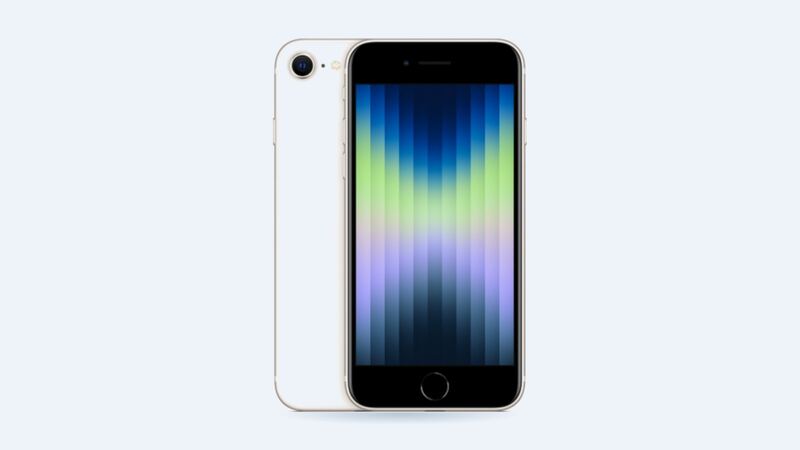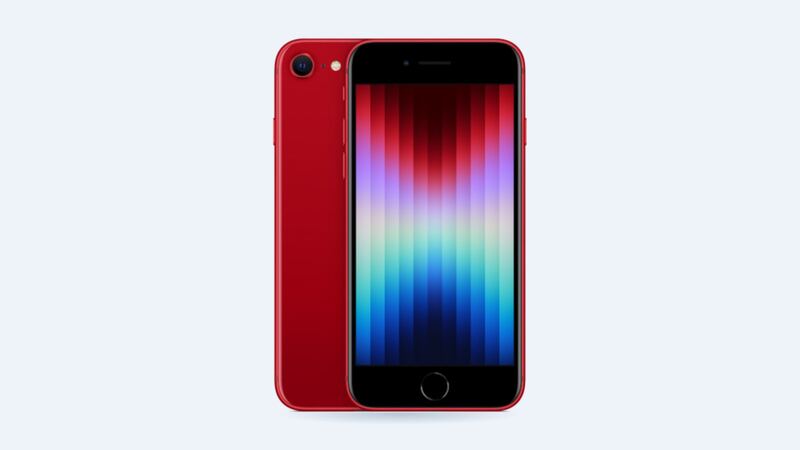
The iPhone SE (3rd gen) came out in 2022 with a small 2,018 mAh battery. It was never a marathon runner, even when new. A few years and a few hundred charge cycles later, a lot of these phones are hanging on by a thread by dinnertime.
Good news: this is one of the cheapest iPhone repairs Apple does.
Is it really the battery?
Open Settings > Battery > Battery Health & Charging and look at Maximum Capacity.
| What you see | What it means |
|---|---|
| 90% or higher | Battery's fine. Look at apps, screen brightness or a bad signal instead |
| 80% to 89% | Getting tired. Noticeable on long days |
| Under 80% | Worn out. Time for a new one |
| "Your battery's health is significantly degraded" | Apple is telling you it's due for service |
Other signs it's the battery:
- The phone shuts off at 15% or 20%.
- It dies fast in cold weather.
- It gets warm and drains quickly during normal use.
- It only lasts a few hours away from the charger.
What it costs
| Where | Price | What you get |
|---|---|---|
| Apple, out of warranty | $69 | Genuine Apple battery, battery health readout keeps working |
| Apple with AppleCare+ | $0 | Free when the battery qualifies for service |
| Independent shop | $69 to $109 | Battery quality varies a lot. Ask what brand |
| DIY kit | Usually cheapest | Doable but fiddly. You're opening up a sealed phone |
When Apple's price is the same as or lower than most shops, Apple is the easy pick. The main reasons to choose a shop are convenience (no appointment, maybe same day) or no Apple Store nearby. You can also mail it to Apple, but you'll be without your phone for a while.
The "Unknown Part" thing
Apple's Parts and Service History tracks the battery on the iPhone SE (2nd and 3rd generation). If a shop installs a non-genuine battery, or a genuine one that wasn't set up through Apple's process, the phone may show the battery as an Unknown Part under Settings > General > About.
What that means in real life:
- The phone still works and charges fine.
- You may not get a reliable battery health percentage.
- It can lower trade-in value a bit.
So if you care about seeing battery health later, ask the shop straight up what battery they use.
Questions to ask before paying
- Is it a genuine Apple battery or aftermarket? What brand?
- How long is the warranty on the battery?
- Will the battery health percentage still show?
- Do you replace the adhesive and reseal the phone? (Water resistance isn't guaranteed after any repair.)
Make the new battery last longer
- Leave Optimized Battery Charging on. It waits to finish charging past 80% until right before you usually unplug.
- Heat ages batteries more than anything. Don't leave the phone in a hot car or charge it under a pillow.
- Don't stress about topping up during the day. Short charges are fine.
Is it worth it?
Almost always, yes. For $69 you get a phone that lasts through the day again, and the SE (3rd gen) still runs iOS 27 with its A15 Bionic chip. That's a lot of phone for the price of a dinner out. The only time to skip it is when the phone has bigger problems, like water damage or a dead Home button. For that one, start with our iPhone SE (3rd gen) Home button and Touch ID guide.
Every repair price for this phone is on the iPhone SE (3rd generation) page. Apple prices checked October 14, 2026; shop prices are typical US ranges.